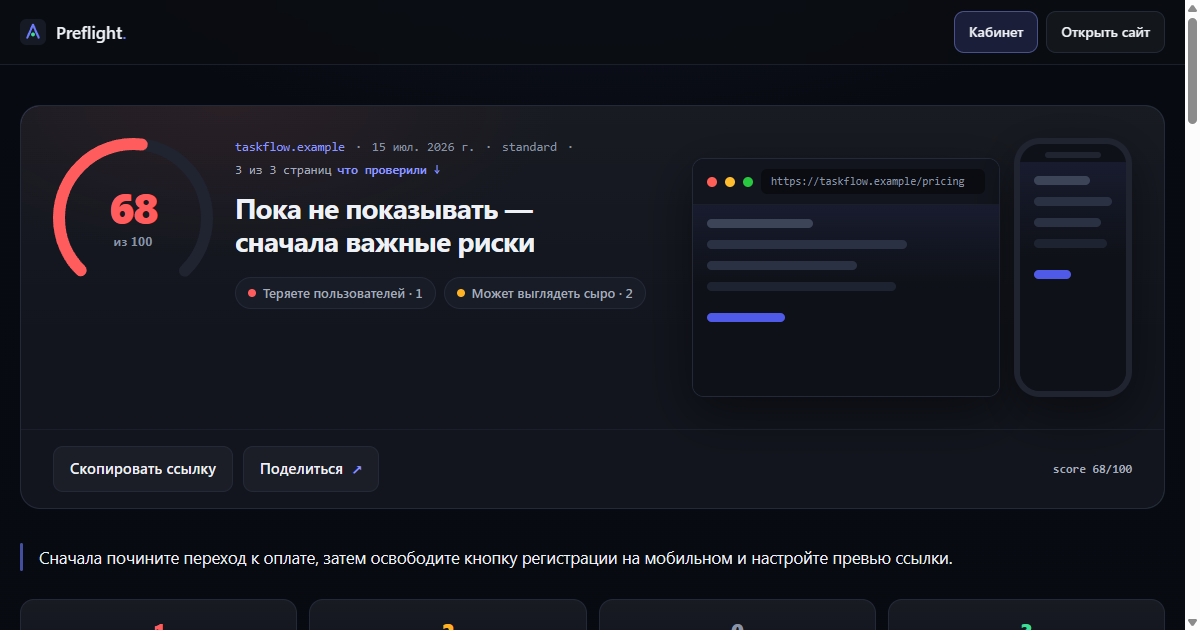
68out of 100

Not ready yet — fix the highest-impact issues first

https://taskflow.example/pricing
score 68/100

Fix the broken checkout path first, then restore a clear mobile signup and link preview.

1
critical
2
important
0
later
3
pages
report map

Start with the items that change the first reveal

3/3 pages
Report viewSection filter and compact mode
Sections

Losing users1

Start with what stops a person from taking the next step right now.

№1criticalinteraction tested/pricing

The pricing button does not continue

The primary pricing button was clicked, but the page did not navigate and no interface state changed.

Why it matters

A user who has chosen a plan cannot continue to checkout.

Ready taskReady-to-use fix task
Connect a click handler to #pricing button.primary. After the change, verify that the button opens the intended checkout screen.

Paste this task into your AI coding editor (for example: Codex, Cursor, Claude Code, Bolt, or Lovable).

For development
selector
#pricing button.primary
raw data
{
  "action": "click",
  "result": "no_navigation_or_state_change"
}

Looks rough2

Fast fixes that remove the feeling of an unfinished product.

№2importantverified in page code/

The link preview has no image or description

The page markup has no Open Graph description or image.

How your link looks in Telegram / iMessage:
taskflow.example
The link preview has no image or description
no description · no image
Why it matters

A shared link appears without a useful visual preview.

Ready taskReady-to-use fix task
Add og:description and a 1200×630 og:image to the homepage, then inspect the shared link preview again.

Paste this task into your AI coding editor (for example: Codex, Cursor, Claude Code, Bolt, or Lovable).

For development
Selector is not needed: the finding applies to the whole page.
raw data
{
  "missing": [
    "og:description",
    "og:image"
  ]
}
№3importantmeasured in browser/signup

The signup action is covered on mobile

At 390 px the fixed signup bar covers the form submit button by 76 px.

Why it matters

A mobile user may not see or press the final signup action.

Ready taskReady-to-use fix task
Remove the mobile overlap between [data-sticky-signup] and the form submit button, then verify the 390×844 viewport again.

Paste this task into your AI coding editor (for example: Codex, Cursor, Claude Code, Bolt, or Lovable).

For development
selector
[data-sticky-signup]
raw data
{
  "coveredHeight": 76,
  "viewport": "390x844"
}

What was actually checked

Found 3 internal addresses, fully checked 3, and included 3 in the score.

Checked and included in the score
Selection order: home first, then legal documents, key user journeys, trust pages, and only then the closest general or editorial routes.
after fixes

Run the project again

Keep this report link. The next run will compare the project against the current result and show which risks are gone.